> ## Documentation Index
> Fetch the complete documentation index at: https://docs.pipevest.com/llms.txt
> Use this file to discover all available pages before exploring further.
# Authentication
### OAuth 2.0
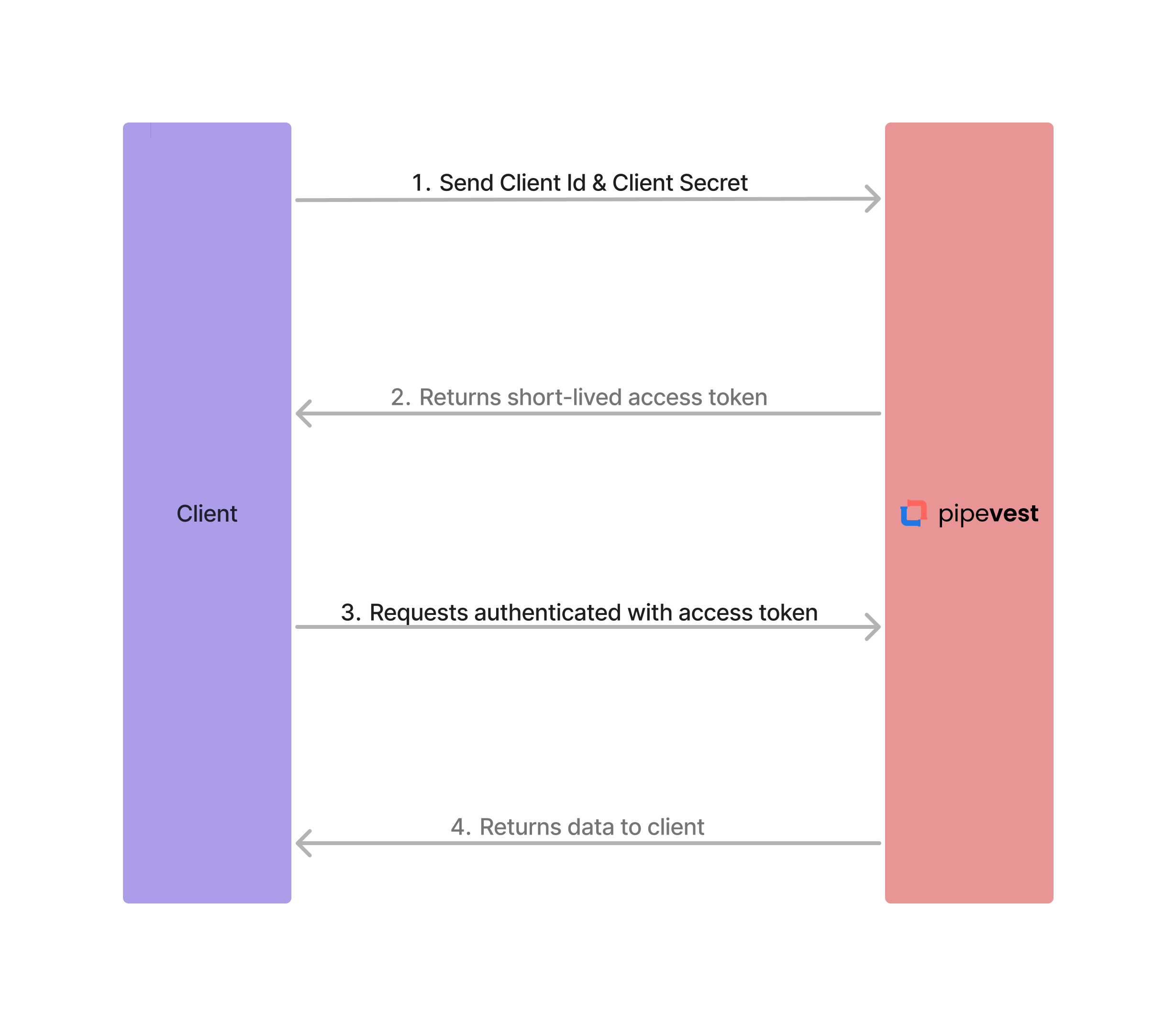
All API endpoints are authenticated using [OAuth 2.0](https://oauth.net/2/) standards. A client Id and client secret
must be exchanged for a shortlived access token. This access token is then used to authenticate further requests.
### Auth Flow Diagram
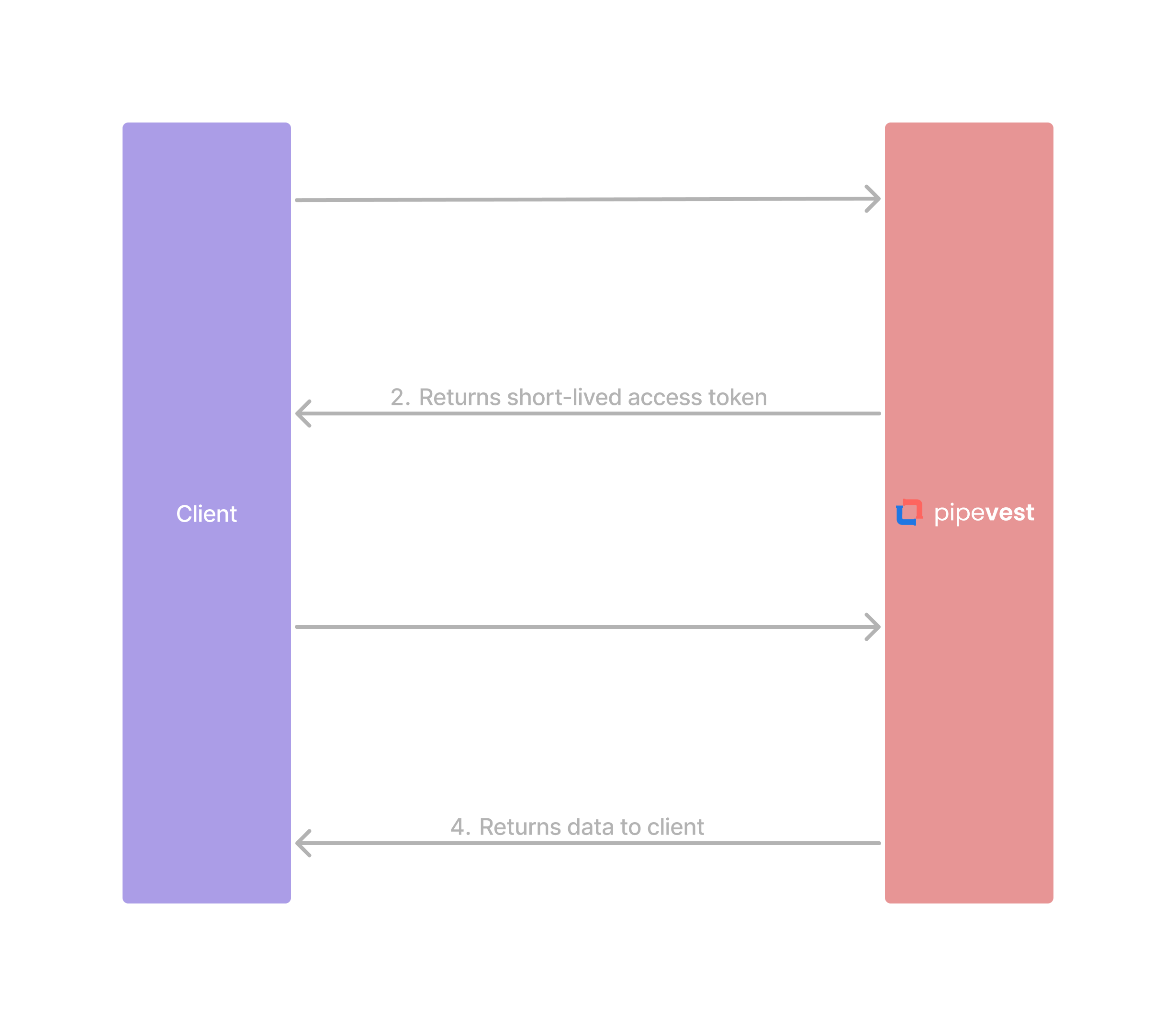
The following diagram illustrates the authentication flow with Pipevest.
 ### Usage
```bash theme={null}
curl --request POST \
--url https://api.pipevest.com/v1/oauth/token \
--header 'Content-Digest: sha-512=:RK/0qy18MlBSVnWgjwz6lZEWjP/lF5HF9bvEF8FabDg=:' \
--header 'Content-Length: 18' \
--header 'Content-Type: application/x-www-form-urlencoded' \
--header 'Signature: ...' \
--header 'Signature-Input: ...' \
--data 'clientId='
--data 'clientSecret='
```
The access token is passed into the authorization header as a bearer token
```bash theme={null}
curl --request GET \
--url https://api.pipevest.com/v1/customers \
--header 'Signature: ...' \
--header 'Signature-Input: ...' \
--header 'Authorization: Bearer ' \
--header 'X-Client-Id: ' \
```
### Scopes
Granular scopes are yet to be implemented. All tokens are scoped to have both
`READ` and `WRITE` permissions
| Name | Permission | Status |
| ------- | --------------------------------- | -------- |
| `read` | Read access across all resources | `ACTIVE` |
| `write` | Write access across all resources | `ACTIVE` |
Learn how to use HTTP signatures to improve API integrity
### Usage
```bash theme={null}
curl --request POST \
--url https://api.pipevest.com/v1/oauth/token \
--header 'Content-Digest: sha-512=:RK/0qy18MlBSVnWgjwz6lZEWjP/lF5HF9bvEF8FabDg=:' \
--header 'Content-Length: 18' \
--header 'Content-Type: application/x-www-form-urlencoded' \
--header 'Signature: ...' \
--header 'Signature-Input: ...' \
--data 'clientId='
--data 'clientSecret='
```
The access token is passed into the authorization header as a bearer token
```bash theme={null}
curl --request GET \
--url https://api.pipevest.com/v1/customers \
--header 'Signature: ...' \
--header 'Signature-Input: ...' \
--header 'Authorization: Bearer ' \
--header 'X-Client-Id: ' \
```
### Scopes
Granular scopes are yet to be implemented. All tokens are scoped to have both
`READ` and `WRITE` permissions
| Name | Permission | Status |
| ------- | --------------------------------- | -------- |
| `read` | Read access across all resources | `ACTIVE` |
| `write` | Write access across all resources | `ACTIVE` |
Learn how to use HTTP signatures to improve API integrity