> ## Documentation Index
> Fetch the complete documentation index at: https://docs.pipevest.com/llms.txt
> Use this file to discover all available pages before exploring further.
# Assets
Assets contain ownership and performance data for a given instrument that a customer owns.
Additionally,
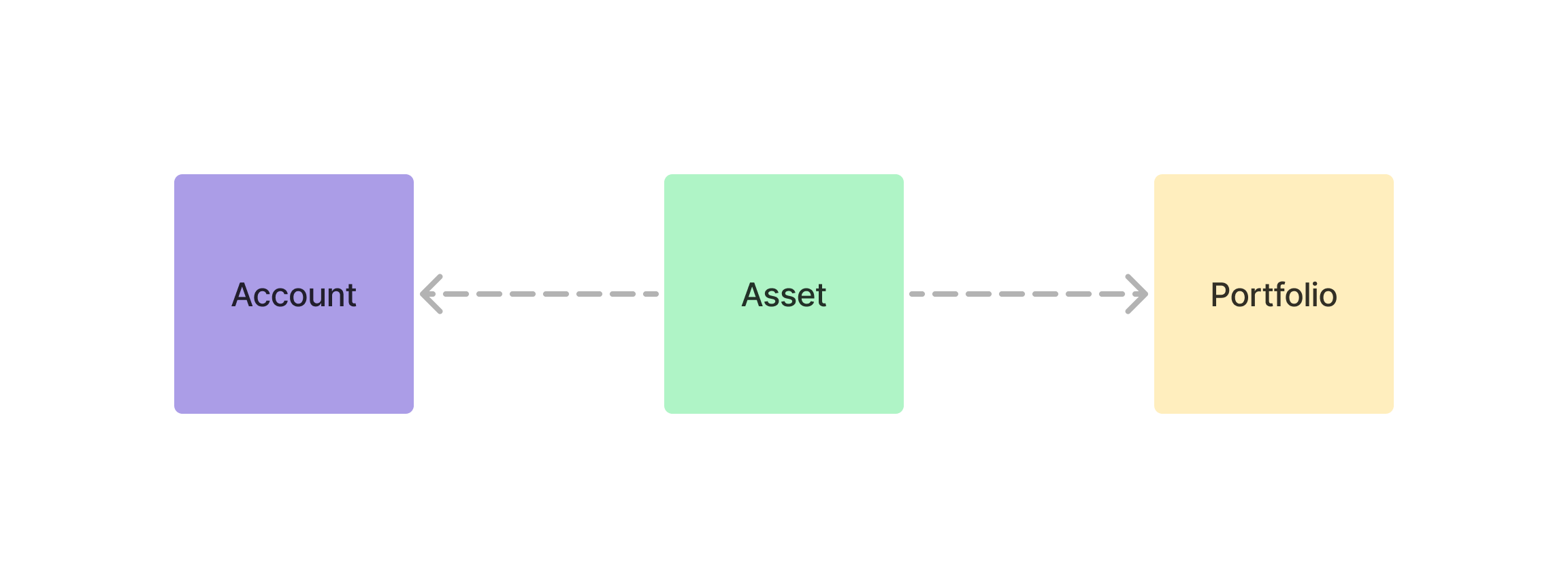
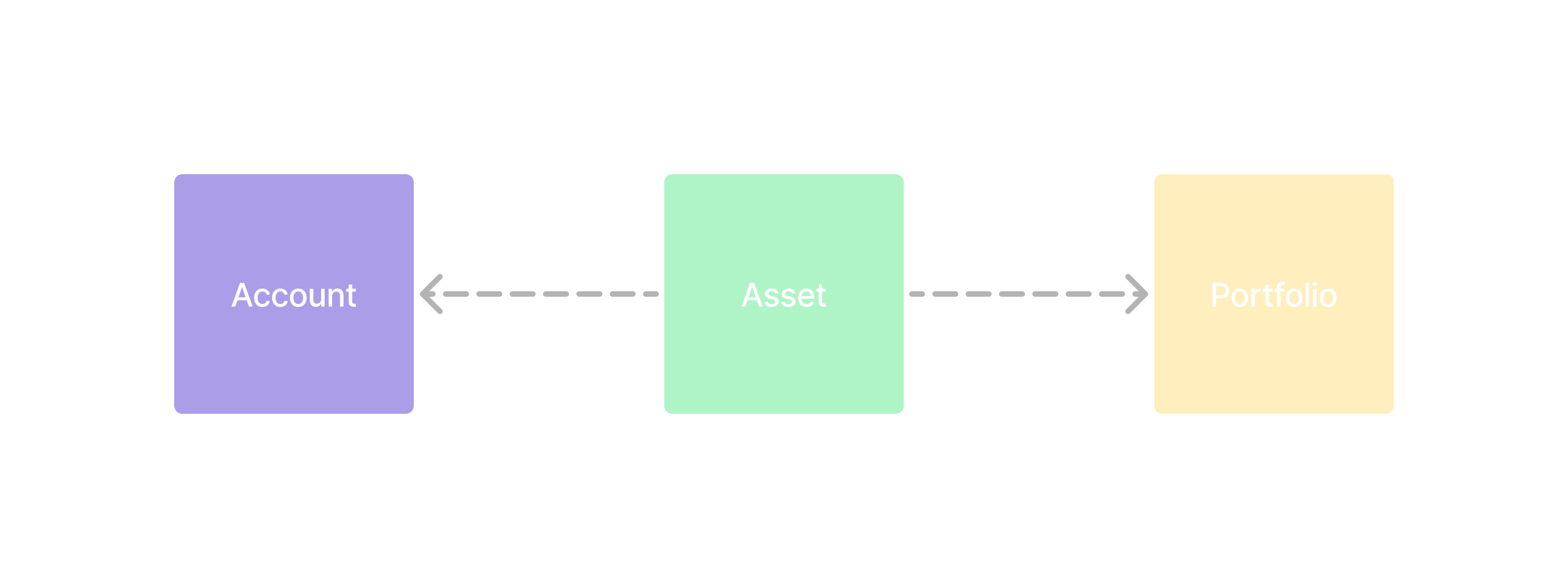
An Asset can belong to both an [Account](/guides/accounts) and a [Portfolio](/guides/portfolios).
 This document will guide you on how to **get** account details. Additionally, on how to [add an asset to a portfolio](#adding-an-asset-to-a-portfolio)
## Retrieving Assets
When requesting account details you can do so either by getting:
* A list of assets
* An account by a given Id
#### List of Assets
Make a `GET` request to [/assets](/api-reference/endpoint/assets/get).
```bash theme={null}
curl --request GET \
--url https://api.pipevest.com/v1/assets?customerId=123456\
--header 'Authorization: Bearer 123456' \
--header 'Signature: sig1=:OTEyMjY4...A5NTNDMEQ=:' \
--header 'Signature-Input: sig1=("Authorization" "Content-Digest" "Content-Length" "Content-Type" "X-Client-Id" "X-Idempotency-Key" "@method" "@target-uri" "@path" "@query");keyid="staging-pipevest-ed25519";created=1732893484;expires=1732893584' \
--header 'X-Client-Id: 123456' \
```
This endpoint can be [paginated and sorted](/concepts/pagination).
#### Flitering Assets List
* accountId
```bash theme={null}
curl --request GET \
--url https://api.pipevest.com/v1/assets?customerId=123456&accountId=123456\
...
```
* portfolioId
```bash theme={null}
curl --request GET \
--url https://api.pipevest.com/v1/assets?customerId=123456&portfolioId=123456\
...
```
#### Asset by Id
Make a `GET` request to [/assets/\{assetId}
](/api-reference/endpoint/assets/getById)
```bash theme={null}
curl --request GET \
--url https://api.pipevest.com/v1/assets/123456\
...
```
## Adding an Asset to a Portfolio:
When an asset is created is it automatically associated with an [Account](/guides/accounts). However, you can also explicitly associate the asset to a [Portfolio](/guides/portfolios)
Make a `POST` request to
[/portfolio/assets](/api-reference/endpoint/assets/addToPortfolio)
```bash theme={null}
curl --request POST \
--url https://api.pipevest.com/v1/portfolio/assets\
--header 'Authorization: Bearer 123456' \
--header 'Content-Digest: sha-512=:RK/0qy18MlBSVnWgjwz6lZEWjP/lF5HF9bvEF8FabDg=:' \
--header 'Content-Length: 18' \
--header 'Content-Type: application/json' \
--header 'Signature: sig1=:OTEyMjY4...A5NTNDMEQ=:' \
--header 'Signature-Input: sig1=("Authorization" "Content-Digest" "Content-Length" "Content-Type" "X-Client-Id" "X-Idempotency-Key" "@method" "@target-uri" "@path" "@query");keyid="staging-pipevest-ed25519";created=1732893484;expires=1732893584' \
--header 'X-Client-Id: 123456' \
--header 'X-Idempotency-Key: 123456' \
...
--data '{"customerId": 123456, "portfolioId": 123456, "assetId": 123456}'
```
## Entity Reference
| Property | Definition |
| ------------------ | --------------------------------------------------------------- |
| `assetId` | Unique asset identifier |
| `instrumentId` | Unique instrument identifier |
| `customerId` | Unique customer identifier |
| `name` | The display name of the asset |
| `symbol` | The symbol associated by the asset |
| `investmentAmount` | The total amount invested into an asset or group of assets |
| `currency` | Associated currency |
| `position` | The total quantity of the asset currently owned by the customer |
| `locked` | The quantity of the asset currently locked in for trading |
| `available` | The quantity of the asset currently available for trading |
| `purchasePrice` | The value of 1 unit of the asset during initial purchase |
| `marketPrice` | The current market price of 1 unit of the asset |
| `createdAt` | Created at unix timestamp |
| `updatedAt` | Updated at unix timestamp |
## Webhook Subscriptions
| Subscription | Definition | Domain |
| --------------- | ---------------------------------- | ------ |
| `ASSET` | Only events that deal with assets | Assets |
| `ASSET.CREATED` | Triggered when an asset is created | Assets |
| `ASSET.UPDATED` | Triggered when an asset is updated | Assets |
This document will guide you on how to **get** account details. Additionally, on how to [add an asset to a portfolio](#adding-an-asset-to-a-portfolio)
## Retrieving Assets
When requesting account details you can do so either by getting:
* A list of assets
* An account by a given Id
#### List of Assets
Make a `GET` request to [/assets](/api-reference/endpoint/assets/get).
```bash theme={null}
curl --request GET \
--url https://api.pipevest.com/v1/assets?customerId=123456\
--header 'Authorization: Bearer 123456' \
--header 'Signature: sig1=:OTEyMjY4...A5NTNDMEQ=:' \
--header 'Signature-Input: sig1=("Authorization" "Content-Digest" "Content-Length" "Content-Type" "X-Client-Id" "X-Idempotency-Key" "@method" "@target-uri" "@path" "@query");keyid="staging-pipevest-ed25519";created=1732893484;expires=1732893584' \
--header 'X-Client-Id: 123456' \
```
This endpoint can be [paginated and sorted](/concepts/pagination).
#### Flitering Assets List
* accountId
```bash theme={null}
curl --request GET \
--url https://api.pipevest.com/v1/assets?customerId=123456&accountId=123456\
...
```
* portfolioId
```bash theme={null}
curl --request GET \
--url https://api.pipevest.com/v1/assets?customerId=123456&portfolioId=123456\
...
```
#### Asset by Id
Make a `GET` request to [/assets/\{assetId}
](/api-reference/endpoint/assets/getById)
```bash theme={null}
curl --request GET \
--url https://api.pipevest.com/v1/assets/123456\
...
```
## Adding an Asset to a Portfolio:
When an asset is created is it automatically associated with an [Account](/guides/accounts). However, you can also explicitly associate the asset to a [Portfolio](/guides/portfolios)
Make a `POST` request to
[/portfolio/assets](/api-reference/endpoint/assets/addToPortfolio)
```bash theme={null}
curl --request POST \
--url https://api.pipevest.com/v1/portfolio/assets\
--header 'Authorization: Bearer 123456' \
--header 'Content-Digest: sha-512=:RK/0qy18MlBSVnWgjwz6lZEWjP/lF5HF9bvEF8FabDg=:' \
--header 'Content-Length: 18' \
--header 'Content-Type: application/json' \
--header 'Signature: sig1=:OTEyMjY4...A5NTNDMEQ=:' \
--header 'Signature-Input: sig1=("Authorization" "Content-Digest" "Content-Length" "Content-Type" "X-Client-Id" "X-Idempotency-Key" "@method" "@target-uri" "@path" "@query");keyid="staging-pipevest-ed25519";created=1732893484;expires=1732893584' \
--header 'X-Client-Id: 123456' \
--header 'X-Idempotency-Key: 123456' \
...
--data '{"customerId": 123456, "portfolioId": 123456, "assetId": 123456}'
```
## Entity Reference
| Property | Definition |
| ------------------ | --------------------------------------------------------------- |
| `assetId` | Unique asset identifier |
| `instrumentId` | Unique instrument identifier |
| `customerId` | Unique customer identifier |
| `name` | The display name of the asset |
| `symbol` | The symbol associated by the asset |
| `investmentAmount` | The total amount invested into an asset or group of assets |
| `currency` | Associated currency |
| `position` | The total quantity of the asset currently owned by the customer |
| `locked` | The quantity of the asset currently locked in for trading |
| `available` | The quantity of the asset currently available for trading |
| `purchasePrice` | The value of 1 unit of the asset during initial purchase |
| `marketPrice` | The current market price of 1 unit of the asset |
| `createdAt` | Created at unix timestamp |
| `updatedAt` | Updated at unix timestamp |
## Webhook Subscriptions
| Subscription | Definition | Domain |
| --------------- | ---------------------------------- | ------ |
| `ASSET` | Only events that deal with assets | Assets |
| `ASSET.CREATED` | Triggered when an asset is created | Assets |
| `ASSET.UPDATED` | Triggered when an asset is updated | Assets |